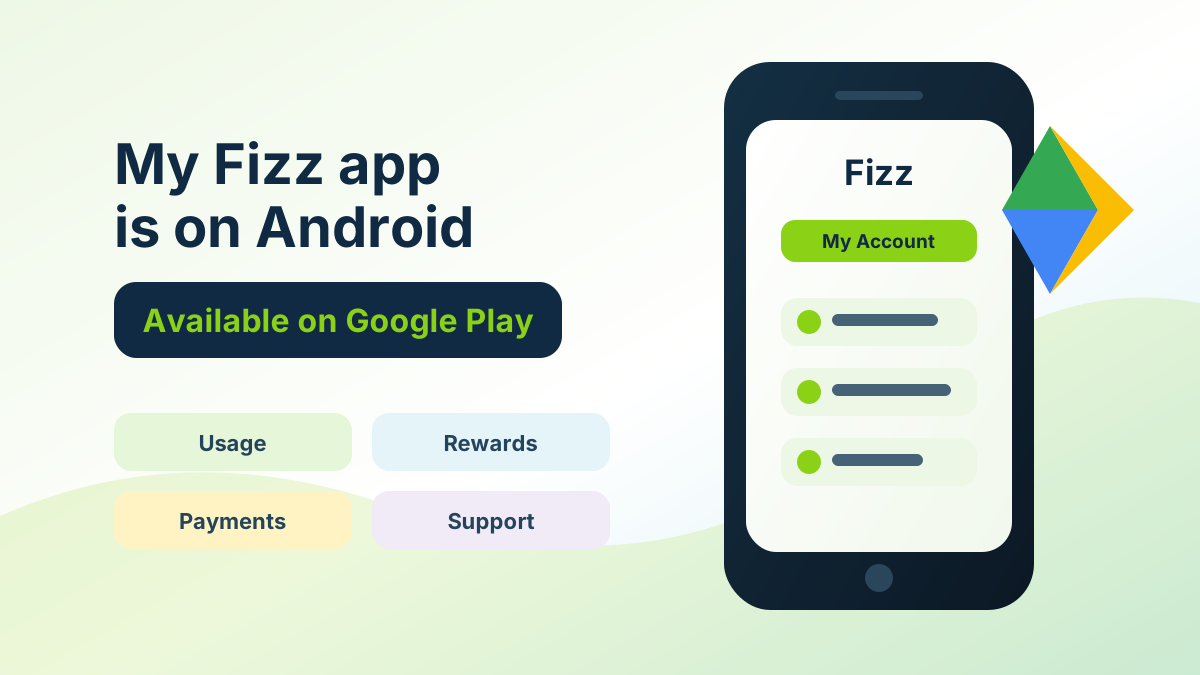
My Fizz App Now Available on Android: Manage Your Fizz Account from Google Play
My Fizz Finally Lands on Android
Good news for Android users: the My Fizz app is now available on Google Play. The listing shared for Android is My Fizz on Google Play, giving Fizz members a phone-friendly way to access the same core account tools they normally use through Fizz.ca.
Fizz's own help content describes My Fizz as the mobile version of your online Fizz My Account. Same account, same control, just optimized for your phone.
Switch to Fizz with referral code STOJ4 ->
Quick Answer
The My Fizz app is now available for Android users on Google Play. It lets Fizz members manage their account from a mobile app instead of always going through the browser.
That means Android users can now get easier access to:
- check_circle plan management
- check_circle usage tracking
- check_circle balance and payments
- check_circle rewards
- check_circle customer support
- check_circle account notifications
What Is the My Fizz App?
The My Fizz app is not a separate Fizz service. It is the mobile app version of your Fizz account.
According to Fizz's help pages, the app is designed to give access to the same features as My Account, but in a layout built for a phone. That is useful because Fizz is a self-serve provider: most account actions happen online, and the easier the mobile experience is, the better the overall Fizz experience becomes.
What Can You Do in the My Fizz Android App?
Fizz lists several practical account tasks for the My Fizz app:
| Feature | Why it matters |
|---|---|
| Manage your plan | Review and adjust your Fizz services from your phone |
| Track usage | Check your current billing cycle usage more quickly |
| Check your balance | See what is owed or available in your account |
| View rewards | Access rewards and perks directly in the app |
| Make payments | Handle account transactions from mobile |
| Contact support | Reach customer service from the same place |
| Get notifications | Receive useful alerts about usage, payments, and account activity |
For Android users, this is a quality-of-life upgrade. Instead of opening a browser, signing in, and navigating the desktop-style account area, you can use the dedicated app flow.
Why This Matters for Fizz Customers
Fizz is built around digital control. You choose your plan online, manage changes yourself, follow rewards, and handle most account tasks without a traditional store or call-centre path.
That model works best when the account interface is easy to reach. An Android app makes the self-serve experience more natural for everyday tasks, especially for quick checks like:
- check_circle "How much data do I have left?"
- check_circle "Did my payment go through?"
- check_circle "What rewards are available?"
- check_circle "Do I need to change my plan?"
- check_circle "Can I contact support from my phone?"
For a provider that leans heavily into online account management, Android availability is more than a small app-store update. It fills a real gap for customers who do not use iPhone.
My Fizz App vs Fizz TV App vs Visual Voicemail
This is where things can get confusing because Fizz has more than one app-related experience.
| App or service | Main purpose |
|---|---|
| My Fizz | Manage your Fizz account, usage, rewards, payments, and support |
| Fizz TV | Watch Fizz TV content on compatible devices |
| Fizz Visual Voicemail | Manage mobile voicemail visually on supported phones |
| Fizz Wi-Fi app | Manage parts of the home Wi-Fi experience |
The Android app in this article is about My Fizz, the account-management app. It is not the same thing as Fizz TV.
How to Download My Fizz on Android
- 1. Open the My Fizz Google Play listing
- 2. Install the app on your Android phone
- 3. Sign in with the same email and password you use for your Fizz.ca account
- 4. Review your account overview, usage, rewards, payments, and notifications
If the app does not appear for you right away, check that your Google Play country/region is set to Canada and that your device is compatible. New app availability can sometimes roll out unevenly by account, device, or region.
What This Means for New Fizz Customers
If you were waiting for a better mobile account experience before trying Fizz, Android availability removes one of the small frictions.
Fizz already had a strong digital-first model. Adding Android app access makes the daily account experience more complete for customers using Samsung, Google Pixel, Motorola, OnePlus, and other Android phones.
If you are joining Fizz, use referral code STOJ4 during checkout if the referral field appears:
- 1. Go to Fizz.ca
- 2. Pick your mobile, internet, or TV service
- 3. Enter STOJ4 during eligible activation
- 4. Download My Fizz on Android after your account is active
Referral credits and eligibility can change, so confirm the live checkout details before completing the order.
Bottom Line
The My Fizz app being available on Android is a useful step for Fizz customers. It brings account management, usage tracking, rewards, payments, support, and notifications into a proper mobile app experience for Android users.
For a self-serve provider like Fizz, that matters. The easier it is to manage your account from your phone, the easier it is to take advantage of the flexibility Fizz is known for.
*Sources: My Fizz on Google Play, Fizz help: How can My Fizz app help me?, Fizz help: What are the Fizz apps?.*
Frequently Asked Questions
Is the My Fizz app available on Android?+
Yes. The My Fizz app is now available through Google Play for Android users.
What does the My Fizz app do?+
It is the mobile version of your Fizz My Account. You can manage your plan, track usage, check your balance, view rewards, make payments, contact support, and receive account notifications.
Is My Fizz the same as Fizz TV?+
No. My Fizz is for account management. Fizz TV is for watching Fizz TV content on compatible devices.
Can new customers use referral code STOJ4 and then use the app?+
Yes, if the activation is eligible and the referral field appears, enter STOJ4 during signup. After your Fizz account is active, you can sign in to the My Fizz app with the same account credentials.
Ready to save with Fizz?
Use the promo code below to get a referral credit on your first bill.