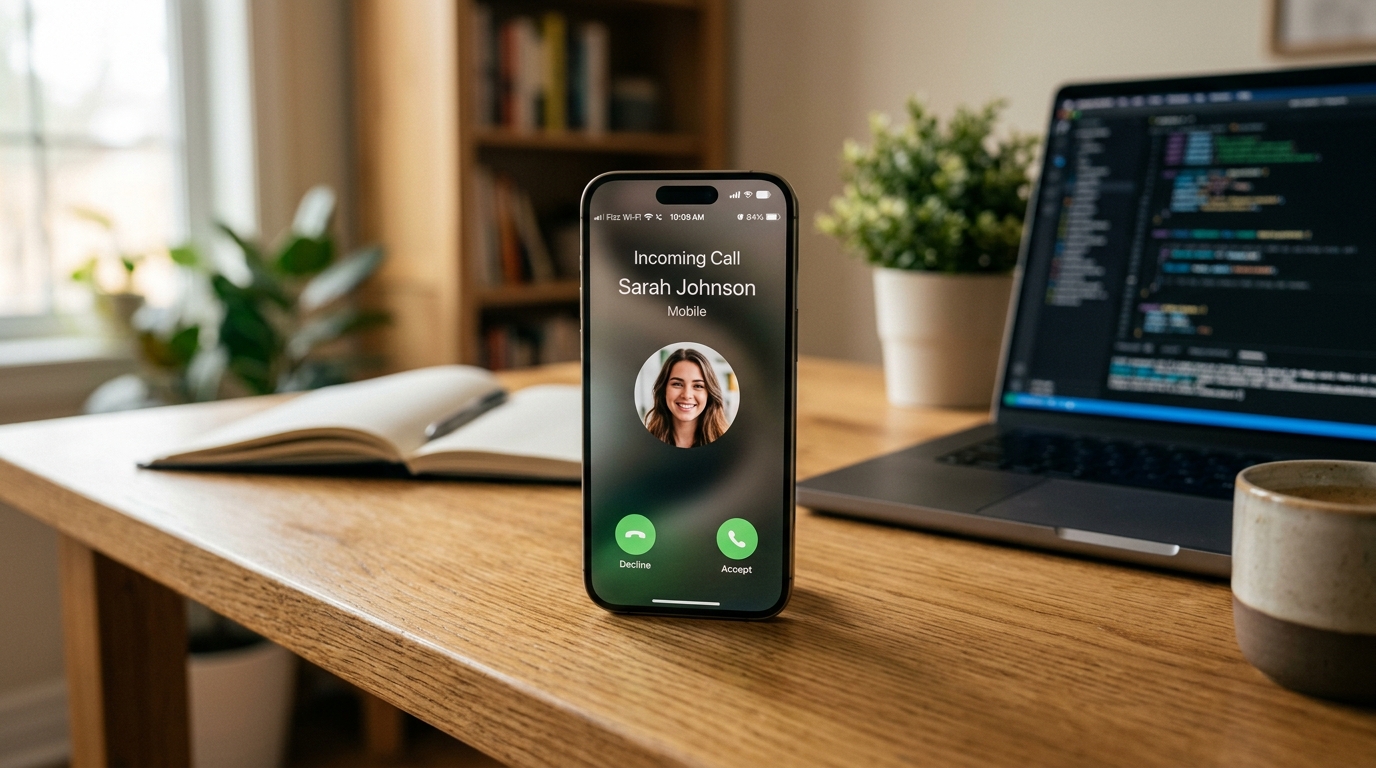
iOS 27 Is Now Live in Canada: Fizz Wi-Fi Calling Is Official & Working on iPhone
iOS 27 is here — and Fizz Wi-Fi Calling is finally official!
The wait is officially over for Canadian Apple users. Apple has publicly launched iOS 27 in Canada, and with this public release, Fizz Mobile Wi-Fi Calling (VoWiFi) is now fully supported and operational on compatible iPhone models across the country.
Subscribers who have long anticipated native Wi-Fi calling on Fizz no longer need to rely on beta profiles or third-party workarounds. The public carrier bundle packaged with the official iOS 27 release enables full voice and SMS routing over any Wi-Fi network.
Why this update is a huge milestone for Fizz iPhone users
Wi-Fi Calling allows your iPhone to route incoming and outgoing calls, as well as text messages (SMS/MMS), over a local Wi-Fi connection when cellular reception is weak or unavailable.
- check_circle Crystal-clear indoor reception: Perfect for concrete condos, basements, deep indoor offices, or cottage country with spotty cellular coverage.
- check_circle Seamless connectivity: Your phone automatically switches between LTE/5G and Wi-Fi calling without dropping active conversations.
- check_circle Included at no extra cost: Calls and texts made over Wi-Fi draw directly from your standard Fizz monthly plan allowances — there are no hidden fees or add-ons required.
- check_circle Full carrier feature parity: Along with RCS messaging support, Fizz iPhone subscribers now enjoy all the primary carrier network features enjoyed by major Canadian tier-one carriers.
Supported iPhone models
Wi-Fi Calling on Fizz with iOS 27 is compatible with all iPhone models capable of running iOS 27. Ensure your device is updated to the latest public release:
- 1. iPhone 17, iPhone 17 Pro, iPhone Air series
- 2. iPhone 16, 16 Plus, 16 Pro, 16 Pro Max series
- 3. iPhone 15, iPhone 14, and iPhone 13 series
- 4. iPhone SE (3rd generation and newer)
Step-by-step: How to activate Wi-Fi Calling on your Fizz iPhone
Once you have installed the iOS 27 update on your device, enabling Wi-Fi Calling takes less than two minutes:
- 1. Update your iPhone: Go to Settings → General → Software Update and ensure you are on iOS 27.
- 2. Check Carrier Settings: If prompted with a "Carrier Settings Update", tap Update.
- 3. Navigate to Cellular / Phone Settings: Open Settings → Apps → Phone (or Settings → Cellular).
- 4. Turn on Wi-Fi Calling: Tap Wi-Fi Calling, then switch the toggle for Wi-Fi Calling on This iPhone to ON.
- 5. Set Your 911 Emergency Address: When prompted, confirm or enter your physical address. This is a CRTC safety requirement in Canada to ensure emergency services know your location if you dial 911 over Wi-Fi.
- 6. Verify the Status Bar: Connect to Wi-Fi. You should now see "Fizz Wi-Fi" displayed in the Control Center or status bar.
What about RCS messaging?
Alongside Wi-Fi Calling, the updated Vidéotron / Fizz IMS carrier configuration bundled in iOS 27 fully enables RCS (Rich Communication Services) messaging.
When texting Android users who have RCS enabled, you will automatically benefit from:
- check_circle Real-time typing indicators
- check_circle Delivered and read receipts
- check_circle High-resolution uncompressed photos and 4K video sharing
- check_circle Enhanced group messaging functionality
You can verify that RCS is turned on by visiting Settings → Apps → Messages → RCS Messaging.
Thinking of joining Fizz?
Fizz offers flexible, customizable mobile plans with 5G data rollover, data gifting between members, and transparent pricing.
When activating a new line, enter referral code STOJ4 at fizz.ca to claim your bonus bill credit on your second monthly cycle!
Summary
The public launch of iOS 27 in Canada marks the final arrival of official Wi-Fi Calling for Fizz Mobile iPhone subscribers. Update your device today, turn on the feature in Settings, and enjoy reliable calls wherever you have a Wi-Fi connection!
*Disclaimer: FizzPromoCodes.ca is an independent community resource and is not affiliated with Fizz, Vidéotron, or Apple Inc.*
Frequently Asked Questions
Are Wi-Fi Calling and RCS officially available on Fizz with iOS 27 in Canada?+
Yes! With the public release of iOS 27 in Canada, Fizz Mobile has officially enabled Wi-Fi Calling (VoWiFi) and RCS messaging for compatible iPhones.
How do I know if Wi-Fi Calling is active on my Fizz iPhone?+
When connected to a Wi-Fi network with the feature turned on, you will see 'Fizz Wi-Fi' in your iPhone's status bar or Control Center.
Does Fizz charge any additional fee for Wi-Fi Calling?+
No, Wi-Fi Calling is completely free and uses your standard plan's included talk and text allowances.
Do I need to update my 911 address when enabling Wi-Fi Calling?+
Yes, Canadian regulations require you to register a 911 emergency address when turning on Wi-Fi calling so emergency responders can locate you if cellular location is unavailable.
Ready to save with Fizz?
Use the promo code below to get a referral credit on your first bill.